Gloowmint

Resume & Career

How to Write an ATS-Friendly Resume in 2026 (Step by Step)

Most large employers scan resumes with software before a person sees them. Here is how the scanning works, and how to format your resume so it survives it — and gets read.

What an ATS actually does

An applicant tracking system (ATS) reads your resume as plain text, pulls out your name, job titles, employers, dates and skills, and ranks you against the keywords in the job posting. If the file cannot be parsed cleanly, a qualified candidate can be filtered out before any human looks.

The formatting rules that matter

Use a single-column layout, standard headings such as Experience, Education and Skills, and a normal font. Avoid tables, text boxes, headers/footers for key information, and graphics that carry words — most systems cannot read them.

Keywords, honestly used

Copy the exact skill words from the job posting only where they are true for you. Mirror the job title language in your summary, list tools by their real names, and never hide white-text keywords — recruiters and modern systems both catch it.

A quick pre-send checklist

Save as .docx unless the posting asks for PDF. Check the file opens cleanly, your email and phone are typed as text, dates are consistent, and every achievement starts with a strong verb and, where possible, a number.
Put it into practice

Templates mentioned in this guide

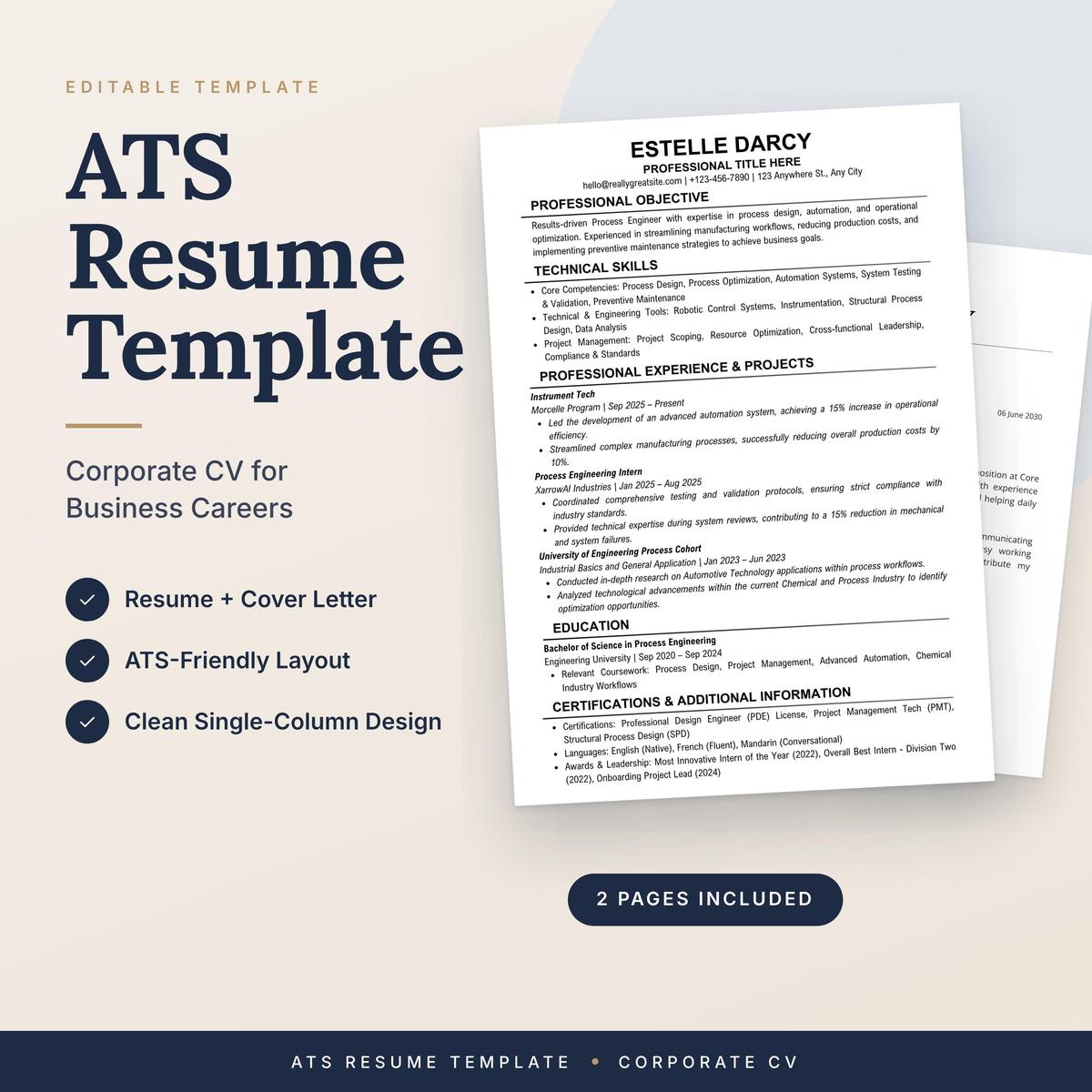
ATS Resume Template Word and Canva | Minimalist Single Column CV, Cover Letter and Thank You Page

ATS Resume Template Word and Canva | Minimalist Single Column CV, Cover Letter and Thank You Page

Streamline your job search with this professional ATS friendly resume template, a digital download designed to help you present your experience clearly and effectively. This comprehensive bundle provides the structure needed to showcase your career history while ensuring your document remains readable for modern hiring systems. If you are looking for an ATS friendly resume template that balances style and function, this collection is an essential tool for your next job application. This professional resume package features a clean, single-column layout that offers a minimalist aesthetic. By utilizing an ATS friendly resume template, you ensure your document is formatted for readability while maintaining a professional, black and white style.

$1.09$2.19

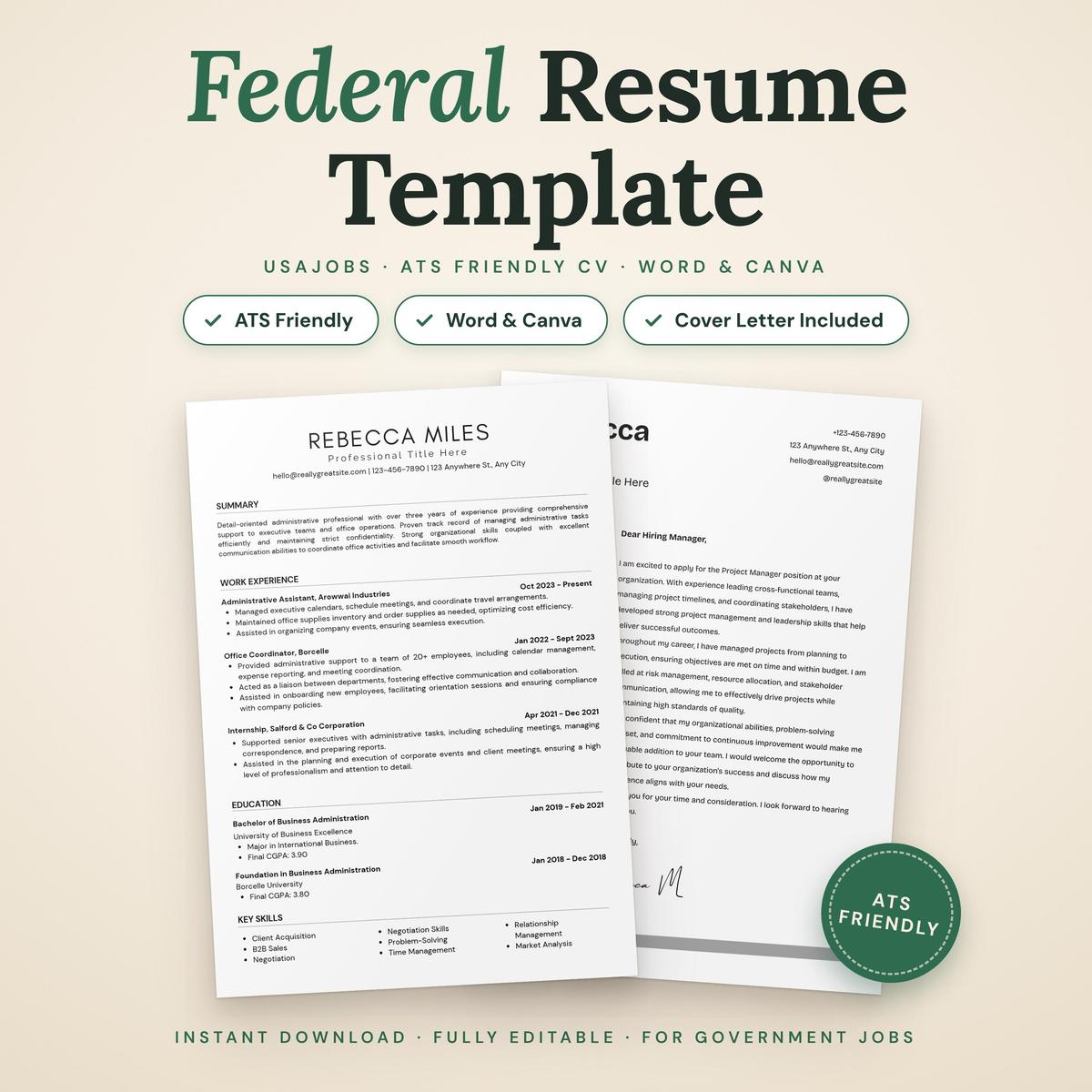
Federal Resume Template — USAJOBS ATS Resume

Federal Resume Template — USAJOBS ATS Resume

FEDERAL RESUME TEMPLATE — USAJOBS STYLE, ATS FRIENDLY. Applying for a U.S. federal government job on USAJOBS? Federal resumes are NOT like private-sector resumes — they need specific details most templates leave out. This template is built in true federal format, so you can present your experience the way federal HR specialists expect. WHAT'S INCLUDED (instant download): Federal Resume Template — Microsoft Word (.docx) + PDF; Federal Cover Letter — Microsoft Word (.docx) + PDF; Canva template access (link inside the Thank You page) — edit the same design free in Canva; Thank You page with your download and editing links. FEDERAL SECTIONS BUILT IN: Application Information block — Announcement Number, Position Title, Series and Grade, Citizenship; Professional Summary and Core Competencies; Work Experience in federal format — for every job: Dates, Hours Per Week, Salary, Series and Grade; Education with GPA and semester hours; Certifications and Training, Technical Skills, Additional Information.

$1.74$3.49

Administrative Assistant Resume Template — ATS Friendly CV

Administrative Assistant Resume Template — ATS Friendly CV

ADMINISTRATIVE ASSISTANT RESUME TEMPLATE — ATS FRIENDLY, WORD & CANVA. Applying for office and administrative jobs? Recruiters spend only a few seconds on each resume — and most companies first scan your CV with ATS software. This clean, single-column template is built to pass the ATS scan and impress the hiring manager: no photo, no confusing tables, just a clear professional layout that puts your experience first. WHAT'S INCLUDED (instant download): Resume Template — Microsoft Word (.docx) + PDF; Cover Letter — Microsoft Word (.docx) + PDF; Canva template access (link inside the Thank You page) — edit the same design free in Canva; Thank You page with your download and editing links. SECTIONS BUILT IN: Professional Summary; Work Experience with achievement-focused bullet points; Education; Key Skills (client service, scheduling, data entry, MS Office and more); Clean contact header — name, phone, email, location. PERFECT FOR: Administrative Assistants, Office Assistants, Executive Assistants, Secretaries, Receptionists.

$1.49$2.99

Keep learning

More free guides